A Quick Look at Eve, Vercel's New Agent Framework
A quick validation log of running Vercel's open-source agent framework Eve locally through init, dev startup, and the first session.
This article is part of " Getting Started with Vercel Eve " series (Part 2) — 6 posts
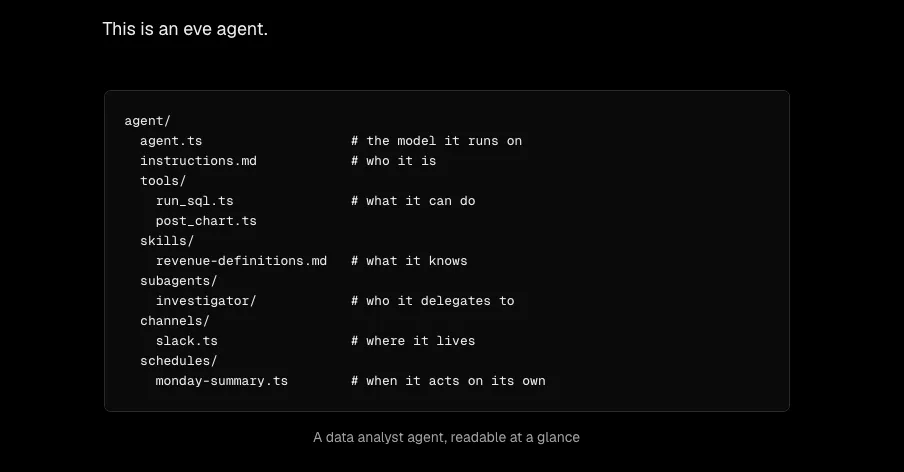
Vercel released eve, an open-source agent framework. The tagline “the agent is a directory” caught my eye, so I decided to run init without overthinking it. This post is not a deep evaluation—just a record of the small hurdles I hit on the first step.
I also summarized what kind of framework Eve is before touching it.
Pre-Introduction Notes on Vercel's Agent Framework 'Eve' https://llm-lab.dev/posts/eve-vercel-agent-framework-survey/
Stopped Right at the Node Version Wall
Before running npx eve@latest init, I checked the version just in case and was immediately stopped.
eve requires Node.js >=24. You are running v22.22.2. Please install a compatible Node.js version and try again.My local environment was on Node 22, so I needed to prepare Node 24. Since nvm was not installed in this test environment, I worked around it by installing the node package from the npm registry (the one that distributes the binary itself) locally and adding it to PATH. Flue from the Astro side ran fine on Node 22, so it is worth checking the required version first.
Init Is an Interactive Wizard
After getting Node 24 through, I ran npx eve@latest init my-agent. No non-interactive flags appeared in the CLI help, so the interactive wizard proceeded and created a project at /path/to/my-agent.
The generated minimal structure looked like this.
my-agent/
├─ agent/
│  ├─ agent.ts
│  ├─ instructions.md
│  └─ channels/
│     └─ eve.ts
├─ AGENTS.md
├─ CLAUDE.md
└─ package.json
agent.ts was a simple one-liner that only specified the model.
import { defineAgent } from "eve";

export default defineAgent({
  model: "anthropic/claude-sonnet-4.6",
});
No samples for tools or skills were generated—it really is just a skeleton. Having both AGENTS.md and CLAUDE.md in place from the start conveys the assumption that a coding agent will take over the work.
Stuck on the Default Model ID
After installing dependencies, I ran eve dev and immediately got this error.
Cannot compile agent compaction because the primary compaction trigger model
"anthropic/claude-sonnet-4.6" does not have known AI Gateway context window metadata.
Fixing the model ID in the generated agent.ts from dot-separated (claude-sonnet-4.6) to hyphen-separated (claude-sonnet-4-6) did not resolve it either. Looking into it, this error occurs in the process that queries the AI Gateway for the model’s context window length, and I later confirmed that the Gateway itself was unreachable from this test environment. For now, I avoided it using the escape hatch documented in the docs: specifying modelContextWindowTokens directly.
export default defineAgent({
  model: "anthropic/claude-sonnet-4-6",
  modelContextWindowTokens: 200_000,
});
Dev Server Started and Responded over HTTP API
At this point eve dev started and an HTTP server came up locally.
[DEV] server listening at http://127.0.0.1:2000/
[DEV] Interactive UI disabled because the current terminal is not a TTY.
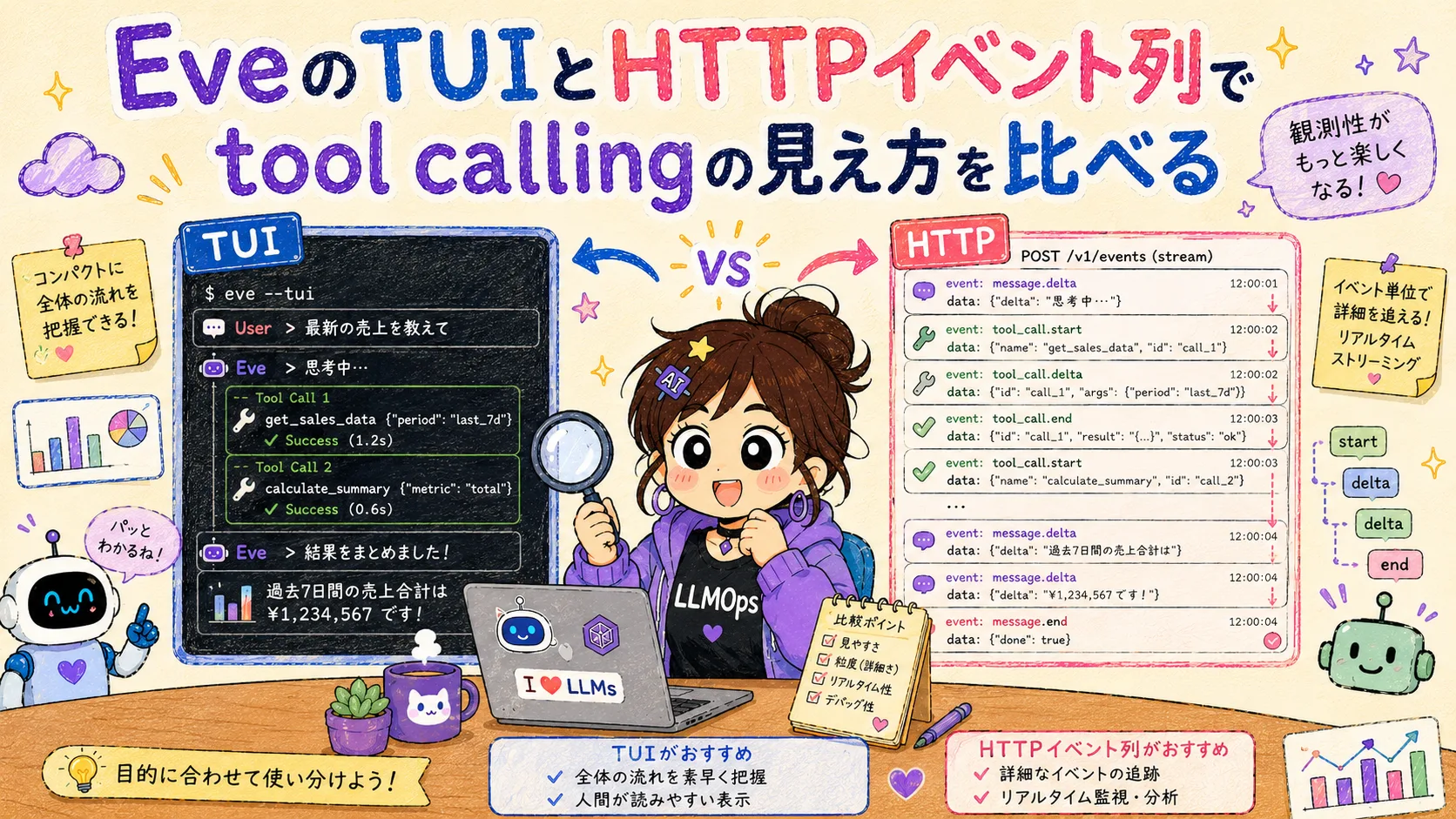
The terminal UI was disabled because the execution environment had no TTY, but the HTTP API itself responded cleanly.
curl -X POST http://127.0.0.1:2000/eve/v1/session \
  -H "Content-Type: application/json" \
-d '{"message": "Hello, please introduce yourself"}'{"continuationToken":"eve:...","ok":true,"sessionId":"wrun_..."}Since a sessionId was issued, I peeked at the stream endpoint and, as expected, it stopped because no API key was configured.
AI Gateway received no credentials. Run `eve link` to populate VERCEL_OIDC_TOKEN,
or set AI_GATEWAY_API_KEY — create a key at https://vercel.com/dashboard/ai/api-keys.
Up to here, I was impressed by how specific the error messages were. They tell you exactly what is missing and how to fix it, so even on first contact the recovery path is easy to see.
That’s All for Now
After clearing three small hurdles—the Node 24 requirement, the interactive init, and the mismatch with the default model ID—I confirmed that the local HTTP server boots and a session can be issued. Model execution, tool definitions, and Slack integration were outside the scope of this first look.
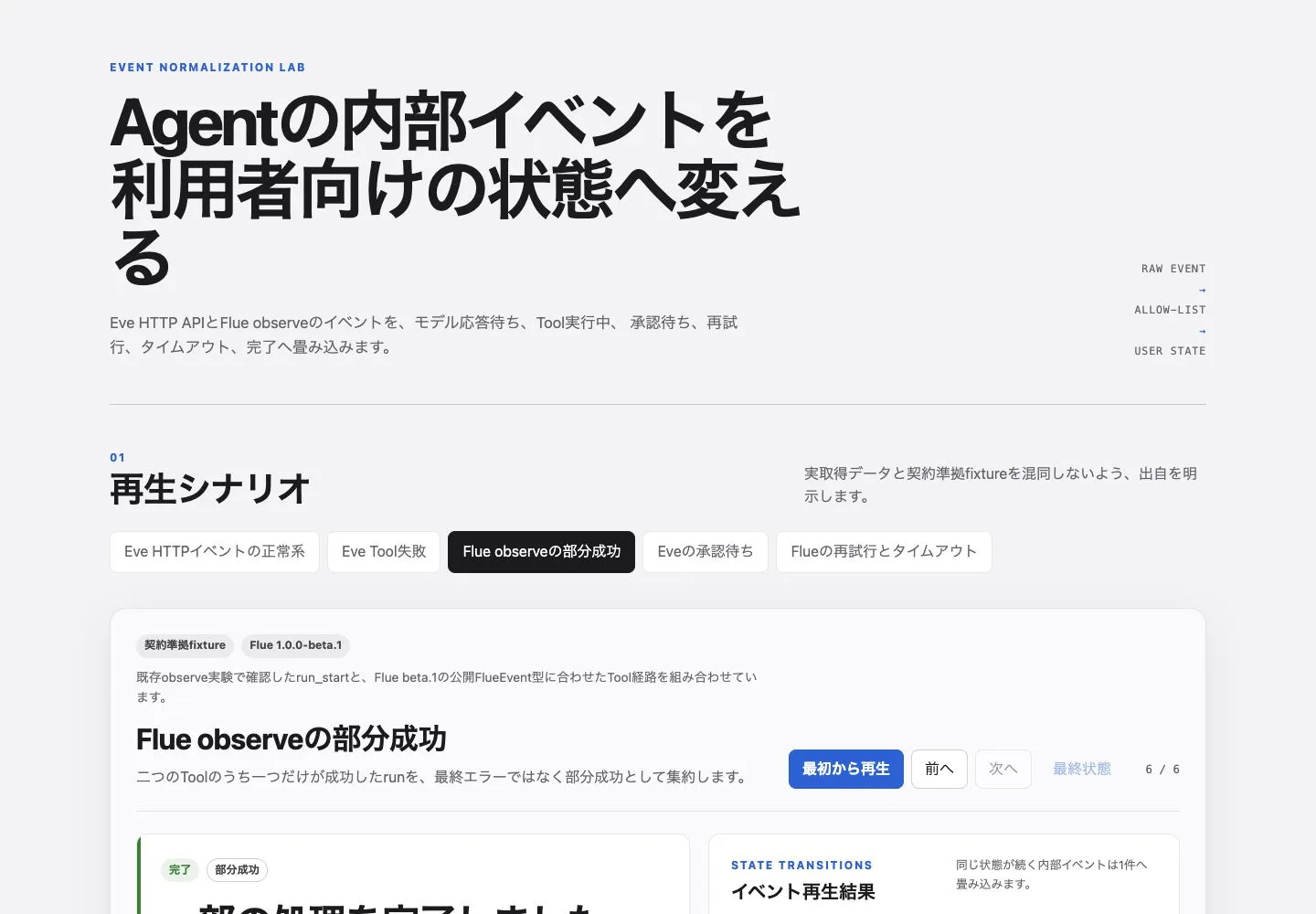
I later converted Eve’s HTTP events and Flue events into the same user-facing states and replayed approval waits and partial success.
Tsurezure Agent OPS Normalizing Vercel Eve and Flue Tool States to Replay Approval Waits and Partial Success A TypeScript replay experiment that maps Eve and Flue events into six UI states while preserving tool failures, approval waits, and partial success. https://llm-lab.dev/en/posts/agent-ui-tool-state-normalization/