Building a GitHub Issue Triage Agent with Flue 1.0 Beta
An experimental log of building a triage agent with Flue 1.0 Beta's Agent, Skill, and Workflow features that returns structured severity, reproducibility, and label suggestions for GitHub issues.
This article is part of " Flue Practical Guide " series (Part 3) — 7 posts

I’ve already covered the big picture of Flue in this article:
What kind of framework Flue is, before actually using it https://llm-lab.dev/posts/flue-framework-overview/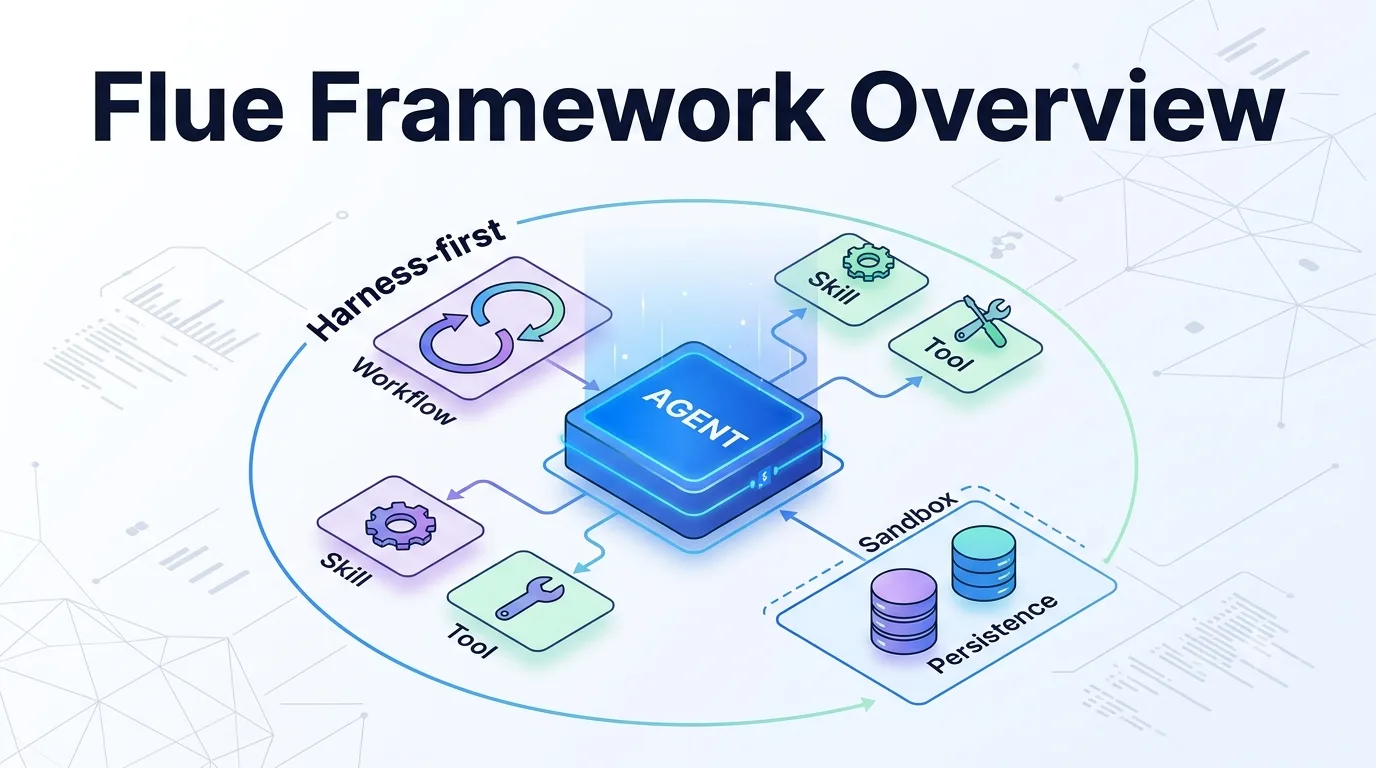
Previously, I wrote this:
Getting stuck on a single line in the Flue 1.0 Beta quickstart https://llm-lab.dev/posts/flue-1-0-beta-local-check/
Last time, I followed the quickstart, built the sample, and confirmed it errored out without an API key. This time I went a step further and built a small agent that actually reaches model inference.
What I built is a triage agent that takes a GitHub issue title and body, then returns severity, reproducibility, label suggestions, and a summary. Connecting GitHub webhooks or posting comments would make the scope too broad, so I kept the focus on how Flue’s Agent, Skill, Workflow, and structured output work.
However, purely manual input felt a bit too far from real GitHub issue triage, so I also added a thin script that fetches one real issue via the GitHub CLI and passes it through the same workflow. It’s not a persistent webhook server — just gh issue view to extract the title/body and pipe them into flue run.
What I built
I followed Flue’s conventions and split the project into src/agents, src/skills, and src/workflows in the simplest possible structure. The final file layout is:
scripts/
└─ triage-github-issue.mjs  # helper script to fetch one issue via GitHub CLI
src/
├─ agents/
│  └─ issue-triage.ts       # the triage agent itself
├─ skills/
│  └─ triage/
│     └─ SKILL.md           # triage decision criteria
├─ workflows/
│  └─ triage-issue.ts       # workflow that classifies a single issue
├─ providers.ts             # provider config for OpenAI-compatible APIs
└─ app.ts                   # Hono app for dev server
For this experiment, I wanted to test a finite process that receives one issue and returns a result, rather than a continuously conversing agent. So I built a workflow in addition to the agent. In Flue terms, the agent is the behavioral entity with skills, and the workflow is the entry point that uses it to complete a single run.
Writing the Skill
First, I extracted the triage criteria as a Skill. Because Flue skills are written in Markdown, it’s easier to review the decision criteria than if they were embedded in code.
---
name: triage
description: Triages a GitHub issue by severity and reproducibility, and proposes labels.
---

# Issue Triage

Read the issue title and body provided in the prompt. Decide:

1. `severity`: one of `low`, `medium`, `high`, `critical`.
2. `reproducible`: whether the report includes enough information to reproduce the problem.
3. `labels`: an array of suggested GitHub labels.
4. `summary`: a one-paragraph summary in Japanese.

Be conservative. Do not guess at reproduction steps, affected users, system state, or business impact that are not present in the issue body.
What I paid attention to here is not letting the model infer impact or reproduction conditions that aren’t in the issue body. Triage looks like a classification task, but in practice there are many temptations to fill in missing information, so I explicitly added the “be conservative” constraint.
Writing the Agent
The agent itself lives in src/agents/issue-triage.ts.
import '../providers';
import { createAgent } from '@flue/runtime';
import triage from '../skills/triage/SKILL.md' with { type: 'skill' };

export const description = 'Triages a GitHub issue by severity, reproducibility, and labels.';

export default createAgent(() => ({
	model: process.env.FLUE_MODEL ?? 'openai/preview/Kimi-K2.6',
	skills: [triage],
	instructions:
		'You triage incoming GitHub issues. Use the triage skill to classify severity, reproducibility, and suggested labels. Be conservative: never assume reproduction steps or impact that are not written in the issue body.',
}));
In the previous quickstart, the model was fixed (e.g., anthropic/claude-sonnet-4-6). This time, I used a locally available OpenAI-compatible API. Since the topic is Flue verification, I won’t lead with provider specifics. What matters is that Flue uses a provider-id/model-id model specifier and lets you swap provider configurations as needed.
To use an OpenAI-compatible API, I redirect the built-in openai provider via registerProvider().
import { registerProvider } from '@flue/runtime';

const openAiCompatibleApiKey = process.env.OPENAI_COMPAT_API_KEY;
const openAiCompatibleBaseUrl = process.env.OPENAI_COMPAT_BASE_URL;

if (openAiCompatibleApiKey && openAiCompatibleBaseUrl) {
	registerProvider('openai', {
		baseUrl: openAiCompatibleBaseUrl,
		apiKey: openAiCompatibleApiKey,
		models: {
			'gpt-oss-120b': {
				contextWindow: 131_072,
				maxTokens: 16_384,
			},
			'preview/Kimi-K2.6': {
				contextWindow: 131_072,
				maxTokens: 16_384,
			},
		},
	});
}
One place I failed here was trying to create a custom provider ID. I thought I could register a unique prefix like sakura/example-model, but flue run didn’t resolve it at the right timing and threw Unknown model specifier. In the end, swapping the base URL of the built-in openai provider turned out to be the straightforward approach for OpenAI-compatible APIs.
Writing the Workflow
I built a workflow that takes a single issue as input, initializes the agent, and returns the result.
import '../providers';
import { type FlueContext, type WorkflowRouteHandler } from '@flue/runtime';
import * as v from 'valibot';
import issueTriage from '../agents/issue-triage';

type IssuePayload = {
	title: string;
	body: string;
};

const TriageResult = v.object({
	severity: v.picklist(['low', 'medium', 'high', 'critical']),
	reproducible: v.boolean(),
	labels: v.array(v.string()),
	summary: v.string(),
});

export const route: WorkflowRouteHandler = async (_c, next) => next();

export async function run({ init, payload }: FlueContext<IssuePayload>) {
	const harness = await init(issueTriage);
	const session = await harness.session();

	const { data } = await session.prompt(`Use the triage skill to classify this GitHub issue.

Title:
${payload.title}

Body:
${payload.body}

Return only the structured triage result.`, {
		result: TriageResult,
	});

	return data;
}
Here I define the result schema with Valibot. For tasks like issue triage that feed into downstream processing, receiving severity and labels in a typed format is much more practical than raw natural language.
Running with a direct payload first
My .env uses generic OpenAI-compatible names:
OPENAI_COMPAT_API_KEY="your-api-key"
OPENAI_COMPAT_BASE_URL="https://your-openai-compatible-endpoint/v1"
FLUE_MODEL="openai/preview/Kimi-K2.6"
FLUE_MODEL must always be in provider-id/model-id form. Even when redirecting an OpenAI-compatible endpoint, Flue’s provider ID is still openai, so it must be openai/preview/Kimi-K2.6, not preview/Kimi-K2.6.
At first I didn’t connect to GitHub at all. I passed the issue title and body directly as a payload to confirm the workflow. What I wanted to check here is not GitHub integration, but whether the core flow of agent, skill, workflow, and structured output completes end to end.
npm run triage -- '{"title":"Dashboard is blank after login","body":"Steps: log in, open /dashboard. Expected widgets. Actual blank white screen in Chrome 126."}'Eventually, it returned a result like this:
 ▗  flue run
 ▚  workflow triage-issue
 ▘  starting...
    run       run_...

thinking
  The user wants me to triage a GitHub issue using the triage skill...

tool activate_skill
tool done activate_skill  (547 chars)

tool finish
tool done finish
{
  "severity": "high",
  "reproducible": true,
  "labels": [
    "bug",
    "frontend",
    "dashboard"
  ],
  "summary": "ログイン後に /dashboard を開くと、ウィジェットが表示されるべきところが空白の白い画面が表示される。Chrome 126 で発生したバグ。"
}
done workflow completed
The tool activate_skill step loads the skill, and tool finish returns a result matching the Valibot schema. Looking at this log, it’s clear that Flue treats agent execution not as a simple prompt dispatch but as a protocol with tool calls and completion conditions.
Reading one GitHub issue
After confirming the core flow works, I added an entry point that fetches one real issue via the GitHub CLI. Again, this isn’t a GitHub webhook — just gh issue view to get the title and body and pass them into the same workflow.
import { execFileSync, spawnSync } from 'node:child_process';

const [, , repo, issueNumber] = process.argv;

if (!repo || !issueNumber) {
	console.error('Usage: npm run triage:github -- owner/repo issue-number');
	process.exit(1);
}

const issueJson = execFileSync(
	'gh',
	['issue', 'view', issueNumber, '--repo', repo, '--json', 'title,body,url,number'],
	{ encoding: 'utf8' },
);

const issue = JSON.parse(issueJson);
const payload = JSON.stringify({
	title: issue.title,
	body: issue.body ?? '',
	source: {
		repo,
		number: issue.number,
		url: issue.url,
	},
});

const result = spawnSync(
	'npx',
	['flue', 'run', 'triage-issue', '--target', 'node', '--payload', payload],
	{ stdio: 'inherit' },
);

process.exit(result.status ?? 1);
Usage is as follows:
gh auth login
npm run triage:github -- owner/repo 123
owner/repo is the full repository name and 123 is the issue number. For example, to read issue 1 from withastro/astro:
npm run triage:github -- withastro/astro 1This way, I can pipe real issue content into Flue’s workflow without worrying about webhook signature verification, persistent servers, comment-posting permissions, or label-update permissions yet. The core I wanted to verify is the classification after reading the issue, so this thin integration is enough for a first step.
When I actually fed it one issue from withastro/astro, the workflow completed like this:
$ npm run triage:github -- withastro/astro 1

 ▗  flue run
 ▚  workflow triage-issue
 ▘  starting...
    run       run_...

tool activate_skill
tool done activate_skill  (547 chars)

tool finish
tool done finish
{
  "severity": "low",
  "reproducible": false,
  "labels": [
    "enhancement"
  ],
  "summary": "本Issueは、開発時にファイル変更を自動的に検知してコンパイルする`npm run dev`モード(ウォッチモード)を追加する機能要請である。記載内容は要望の主旨のみに留まっており、具体的な実装方法、対象とするビルドツール、既存ワークフローへの影響などの詳細情報は含まれていない。"
}
done workflow completed
At this point, I can at least say that I’ve verified “read a real GitHub issue, classify it with Flue’s workflow, and return a structured result.” I haven’t written comments back to GitHub yet, but the reading and triage core are now connected.
Where I got stuck
The biggest time sink this time wasn’t the API connection itself, but whether the model could follow Flue’s execution protocol.
With the first model I tried, API connectivity and model calls themselves worked. However, at the end of the workflow it couldn’t return the required finish tool call and stopped with this error:
Error: Workflow failed: [internal_error] The agent gave up: Agent did not call `finish` or `give_up` after 33 attempts.Looking at the logs, the model seemed to understand that it “needs to call finish” in text, but couldn’t actually return it as a tool call. I see this less as a Flue bug and more as a case where the model’s tool-calling fitness and differences in the OpenAI-compatible API implementation surfaced.
With the same workflow, switching to a different model allowed it to proceed from activate_skill to finish and complete successfully. What this tells me is that when validating an agent framework, it’s not enough to check whether “the API works.” You also need to verify whether “the model can follow the framework’s expected protocol for tool calling and structured output.”
What I haven’t done yet
In this post, I haven’t implemented a GitHub webhook channel, GitHub comment posting, or OpenTelemetry export. I initially planned to try all of that at once, but in practice there was already plenty to verify just with the agent, skill, workflow, model provider, and structured output.
Especially when handling untrusted GitHub issue bodies, you shouldn’t casually use a local() sandbox. The desire to let it read repository files, run CLI commands, or use GitHub tokens is natural, but that point is exactly where you need boundary design around “which inputs do you trust” and “which environment variables do you expose to the agent.”
The remaining verification area is calling flue run from GitHub Actions and passing the issue body as a payload. That seems easier to manage as an experiment than setting up a persistent server to receive external webhooks.
After this, I branched into two follow-up experiments — CI invocation and sending execution logs to an observability platform.
つれづれなる Agent OPS Calling Flue Workflows from GitHub Actions: Moving Issue Triage to CI A log of dry-running Flue workflows from issue creation events in GitHub Actions to verify input/output boundaries before building a persistent server. https://llm-lab.dev/posts/flue-github-actions-issue-triage-workflow/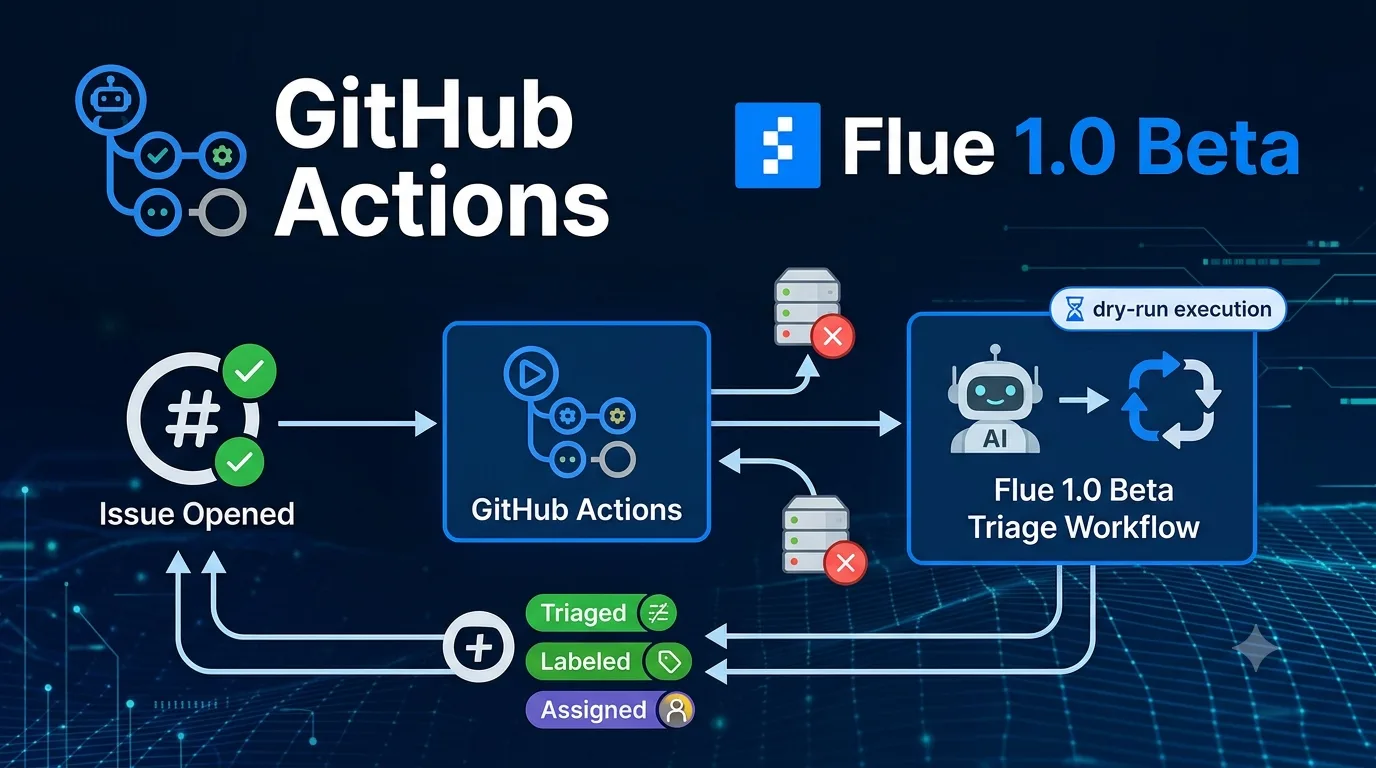 つれづれなる Agent OPS Sending Flue observe events to Langfuse to observe the issue triage agent A log of streaming Flue observe events into Langfuse to track runId, model, success/failure, and redaction policy. https://llm-lab.dev/posts/flue-langfuse-observability-issue-triage/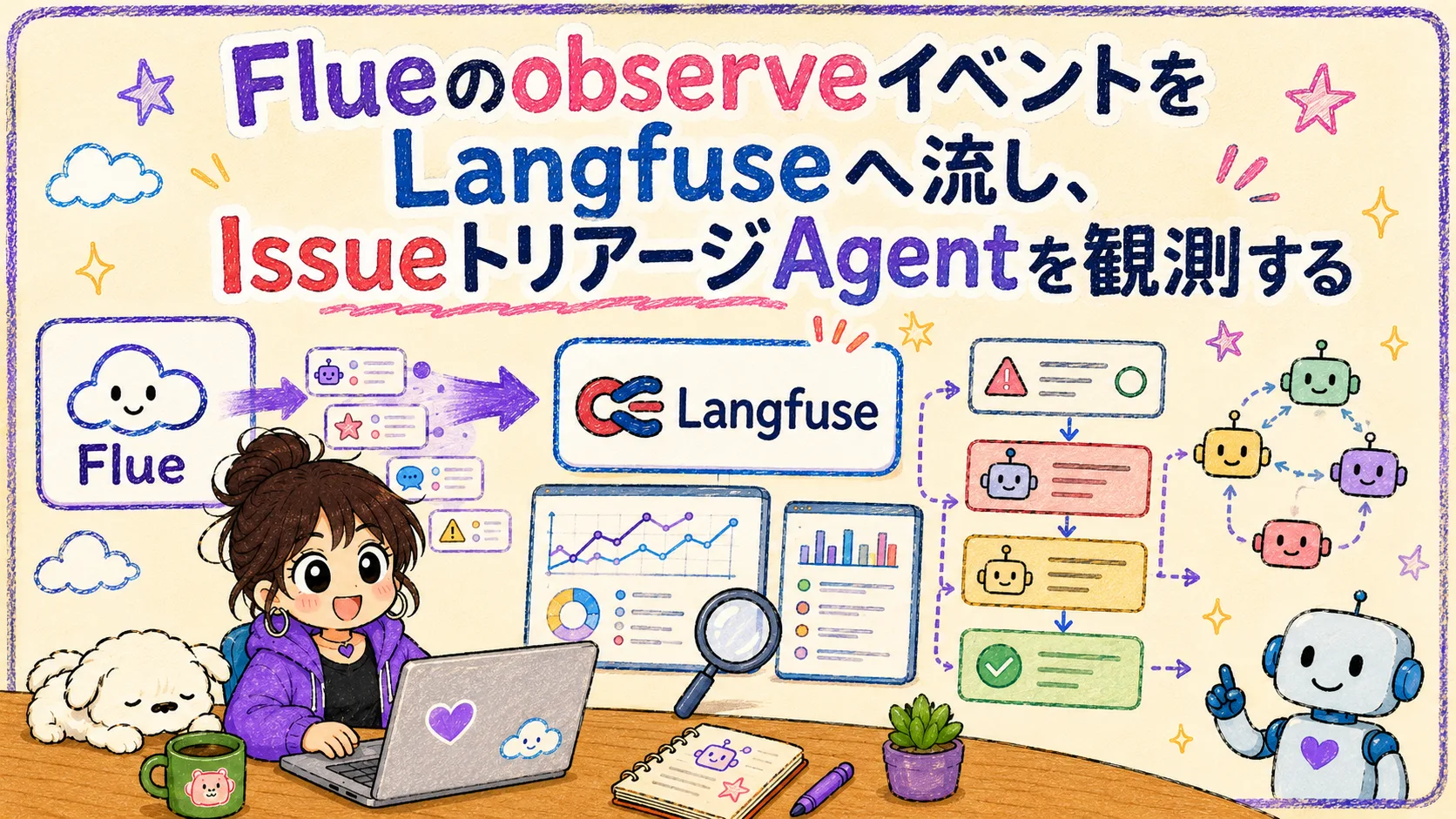
I also carried those observed tool events into a user-facing state model that can explain failures and partial success in the UI.
Tsurezure Agent OPS Normalizing Vercel Eve and Flue Tool States to Replay Approval Waits and Partial Success A replay experiment that maps Flue tool failures and retries into the same UI states as Eve while preserving partial success. https://llm-lab.dev/en/posts/agent-ui-tool-state-normalization/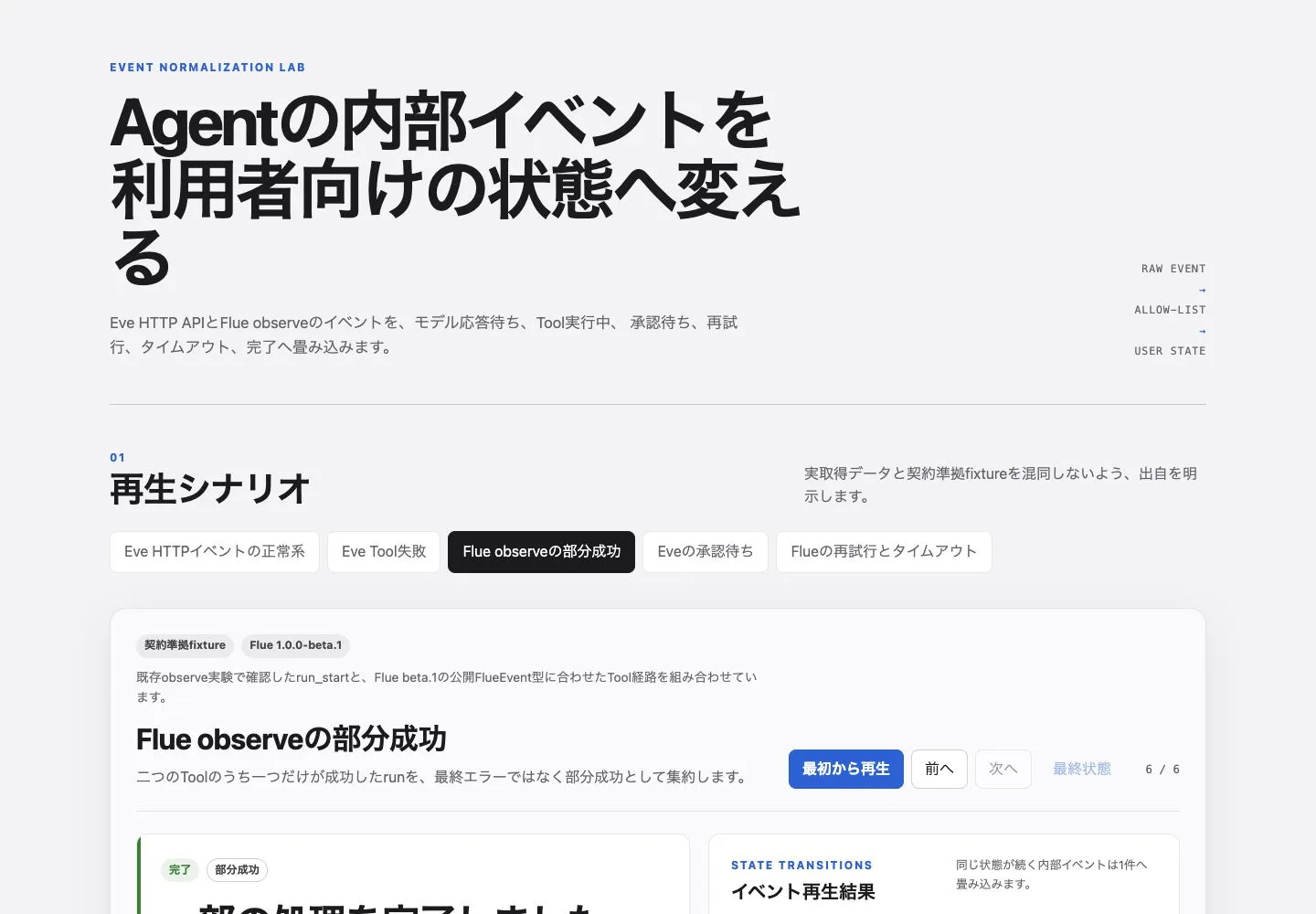
Summary
What I confirmed in this experiment is that Flue lets you separate agent behavior into skills, initialize the agent from a workflow, and receive structured results via Valibot. This felt like a good fit for tasks like issue triage that “classify an input and pass it to downstream processing.”
On the other hand, agent frameworks don’t simply work the same way when you swap models. When tool calling and structured output are assumed, whether the model can follow the protocol directly determines success or failure. Differences like the same workflow failing because finish isn’t returned on one model but succeeding on another are common.
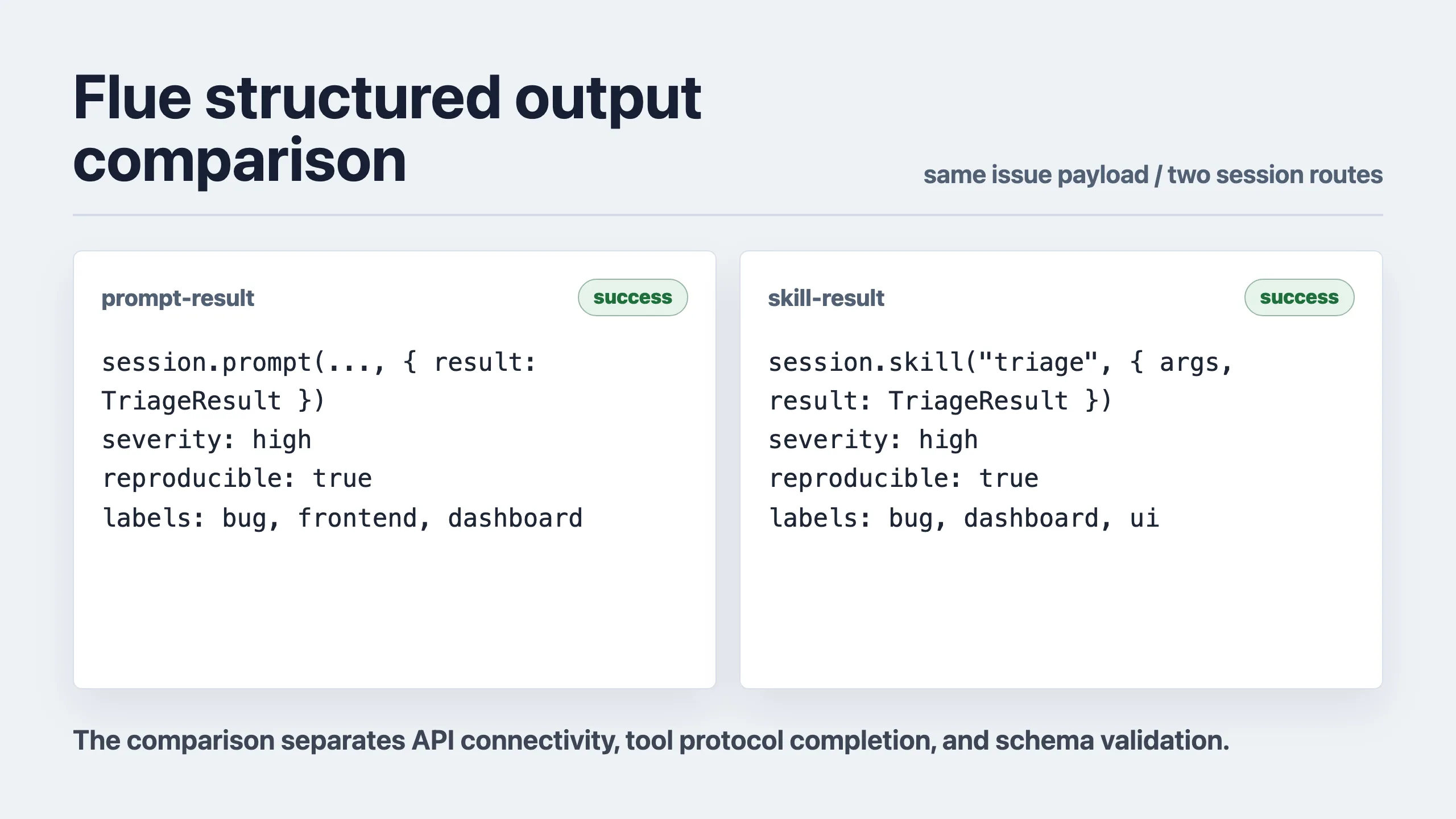
In that sense, when evaluating Flue, you need to look separately at whether the code builds, whether the API key works, whether the model responds, and whether the workflow reaches its completion condition. Keeping these layers separate in your logs makes it easier to explain not just “it worked” or “it didn’t,” but which layer caused the problem during implementation.